
SMS Converter ( All in one )2.1 - Google Play
You'll be able to see results in few seconds.
Publisher Description
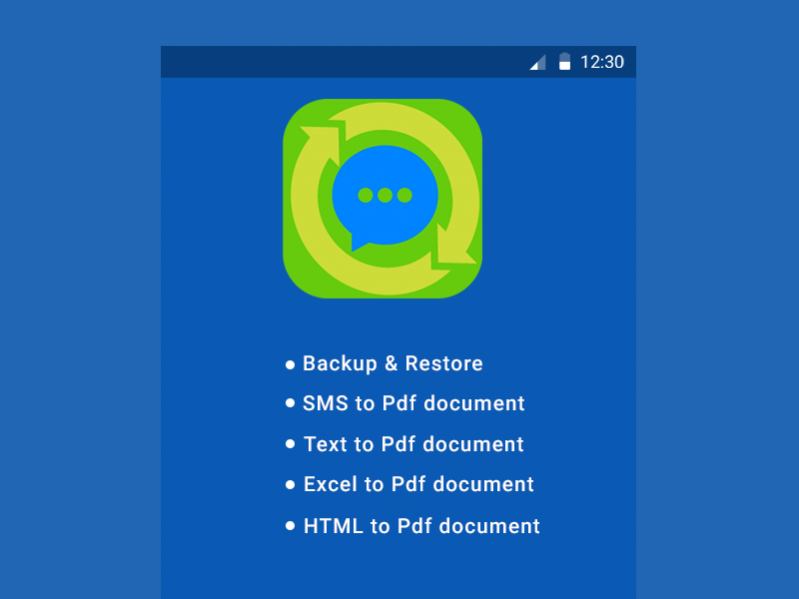

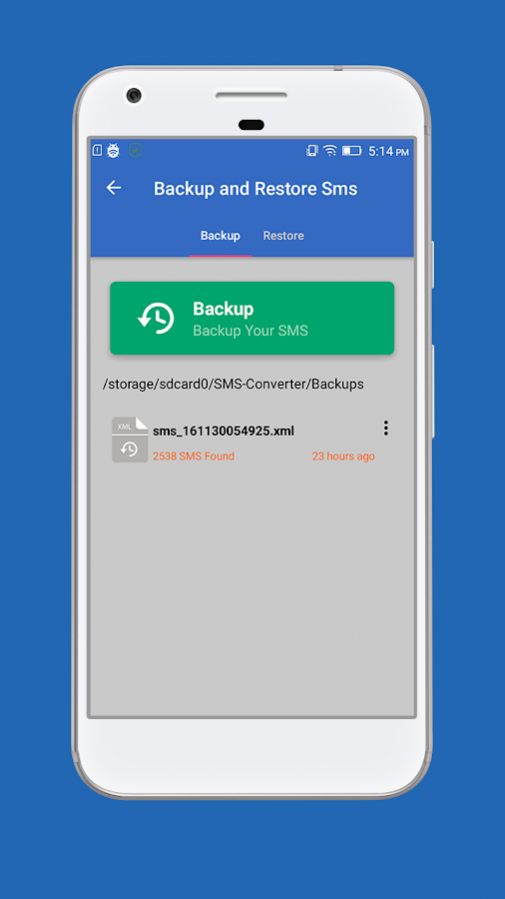
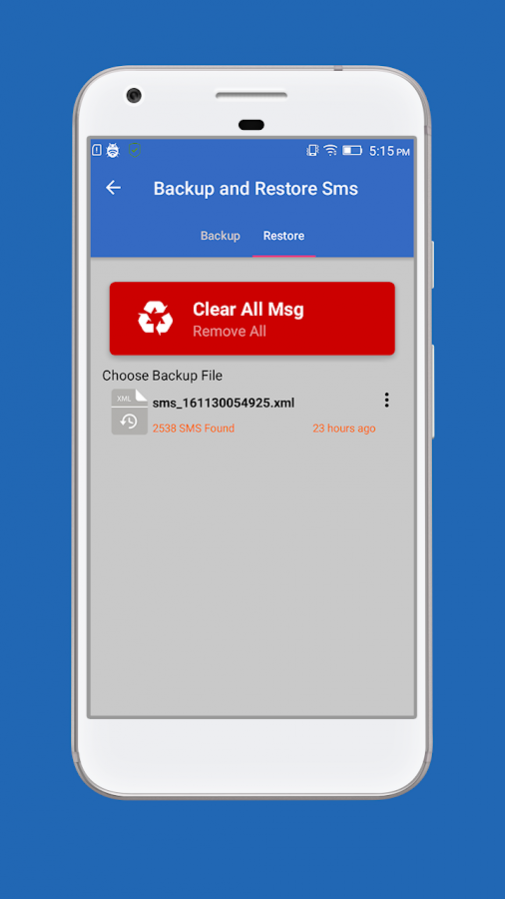

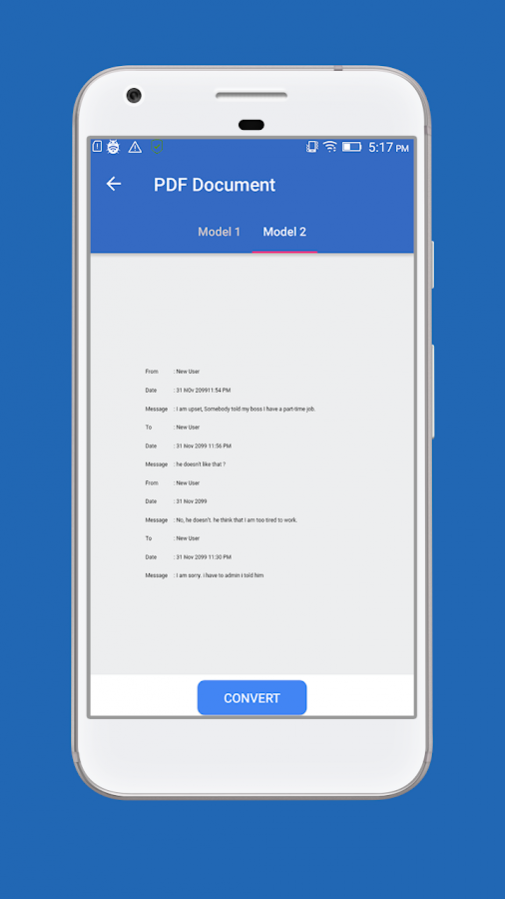
❐ SMS CONVERTER:
The SMS Converter apps (All in one app ) is used to fetch SMS details (Inbox, Sent , Draft and Conversations ) and Convert into an Standard Document such as Text Document , PDF Document , Word Document ,Html table , comma-separated values Document and also used to add the SMS text to Email body .
❐ VIEW SMS:
This Inbox Message, Sent message, Draft Message are arranged in an particular ordered list ,the user can easy select the particular SMS from the list. SMS Converter categorized into following .
» All SMS
» Inbox SMS
» Sent SMS
» Draft SMS
» Conversation SMS threads
The user selected SMS category to select the particular SMS. The SMS are arranged in Ascending or descending order with the affect loading list. And also filter the SMS by date (between starting date to Ending date) . In the Conversation SMS thread, the user can able to sort the conversation thread by Recent to Past SMS Conversations, Past to Recent Conversations, Favorite to Rare Conversations and Rare to Favorite SMS Conversations. Each SMS Conversation is represented with the SMS count.
❐ CONVERTER SETTING:
After Selecting the SMS or SMS Conversation thread, SMS Converter provides a Setting for the text conversion. User can change Date Format, Contact name format with contact number and also unable and disable the following.
• Serial Number
• Message Date
• Message Type
• Contacts Name
• Message Body
And the Summary of the document also can be added at the End of the document. User can select the particular document as shown one by one.
✎ Add SMS Text to Email Body:
- The preview of the SMS text is shown with the sample text , once the user select the preview sample . the selected SMS or SMS Conversation thread with conversion setting will be converter based on preview sample and Added to Email Body .
✎TEXT Document (.txt file):
- The selected SMS is converted into Text Document based on the preview samples.
✎SMS Converter Pro features;
- For Safe Conversion 2000 SMS text can be added to Email body.
✎Comma-separated values Document (.csv file):
The selected SMS is converted into .csv Document based on conversion settings.
✎Word Document (.doc file)
- Word document (Xml format) can be created from the SMS collections with an single click. User can also customize the word document by adding Header and Footer, content header, content with Font, Font Color, Font Size, Font Style (Normal, Bold, italic, Strike, Bold and italic, uppercase, superscript and subscript), and Background color. Document can be view and modified in any system.
✎PDF Document (.pdf file)
PDF file can also be created from the use SMS Collection with a single click. User can also customize the PDF document by changing document orientation ( portrait , landscape ) , document size (A3,A4) ,margin (top, bottom, left &right ) . Font size, Font color, Font style (Normal, Bold, Italic, bold and italic, strike & underline) , border (border Size, border color, border type) , Add Secure Password for Document , and also user can able to compress Document .
✎Html Document (.html file)
Html file is created with the Cascading Style Sheets.
❐FILE MANAGEMENT SYSTEM :
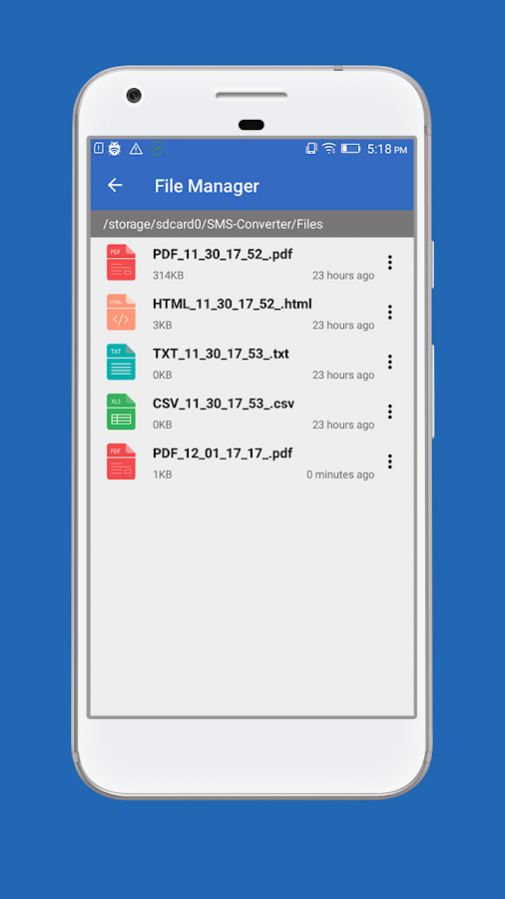
The above Document types are managed with File management System , the SMS Converter also have an access to Open ,Rename, Delete and Share the converted file document . This file is stored in the Home directory (SMS Converter by default) in the SD card. The user can also change the Home directory.
The SMS Converter app is integrated with animation Effects, which helps the user to easy, simple to use.
Support & feedback :
✉ Sent Email : androidmarket.apps10@gmail.com
About SMS Converter ( All in one )
The company that develops SMS Converter ( All in one ) is Mostappz.com. The latest version released by its developer is 2.1.
To install SMS Converter ( All in one ) on your Android device, just click the green Continue To App button above to start the installation process. The app is listed on our website since 2016-12-07 and was downloaded 0 times. We have already checked if the download link is safe, however for your own protection we recommend that you scan the downloaded app with your antivirus. Your antivirus may detect the SMS Converter ( All in one ) as malware if the download link to com.smsconverter.pro is broken.
How to install SMS Converter ( All in one ) on your Android device:
- Click on the Continue To App button on our website. This will redirect you to Google Play.
- Once the SMS Converter ( All in one ) is shown in the Google Play listing of your Android device, you can start its download and installation. Tap on the Install button located below the search bar and to the right of the app icon.
- A pop-up window with the permissions required by SMS Converter ( All in one ) will be shown. Click on Accept to continue the process.
- SMS Converter ( All in one ) will be downloaded onto your device, displaying a progress. Once the download completes, the installation will start and you'll get a notification after the installation is finished.
Program Details
System requirements
Download information
Pricing
Version History
version 2.1
posted on 2016-12-07
- Add Permission for Android marshmallow and Above
- Bug Fixed !
version 1.1.0
posted on 2013-12-25
Disclaimer
Official Google Play Link
We do not host SMS Converter ( All in one ) on our servers. We did not scan it for viruses, adware, spyware or other type of malware. This app is hosted by Google and passed their terms and conditions to be listed there. We recommend caution when installing it.
The Google Play link for SMS Converter ( All in one ) is provided to you by apps112.com without any warranties, representations or guarantees of any kind, so access it at your own risk.
If you have questions regarding this particular app contact the publisher directly. For questions about the functionalities of apps112.com contact us.
